
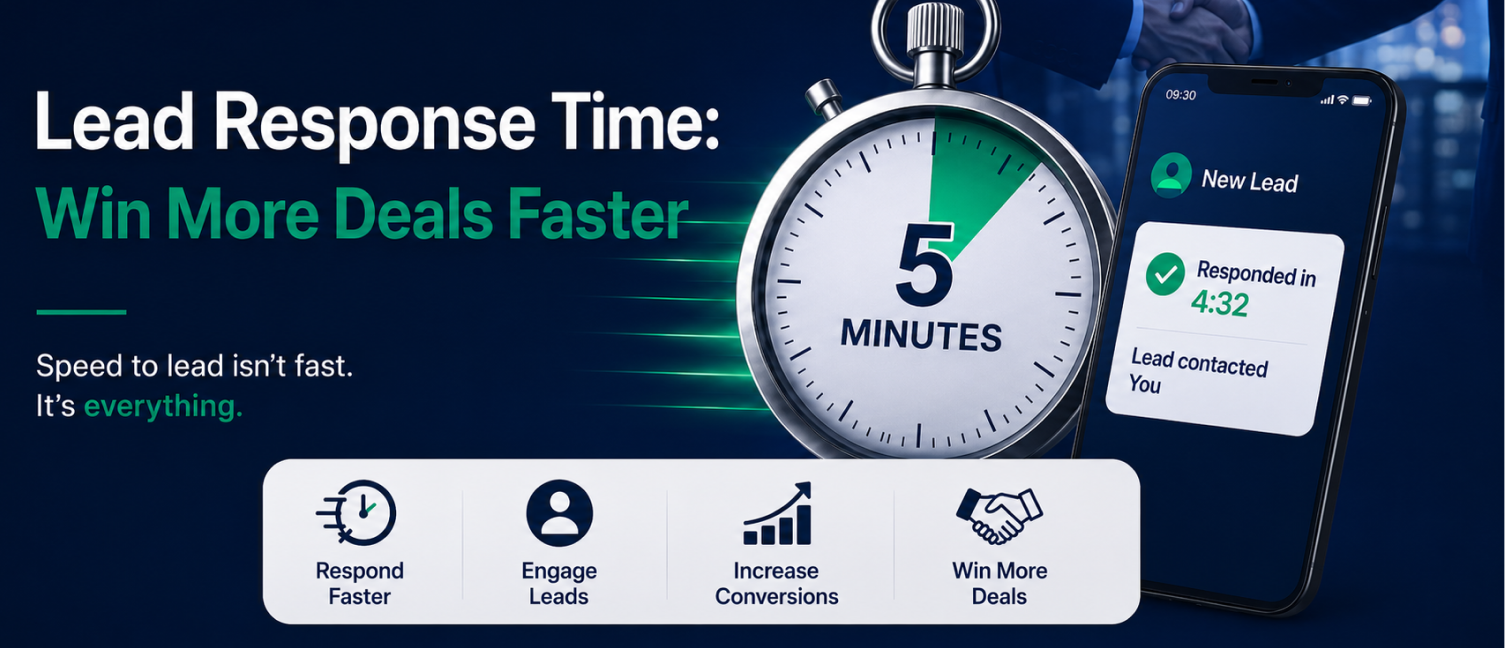
Someone fills out your contact form. Then nothing happens for two hours.
Maybe your rep was in a meeting. Maybe the notification got buried under forty other emails. Either way, by the time your team calls back, that person has already talked to two competitors and half-forgotten why they reached out to you in the first place.
This is where lead automation software helps businesses improve their sales process. Instead of depending completely on manual follow-ups, businesses can automatically capture leads, assign them to the right sales representative, send instant responses, and ensure timely follow-ups.
What Is Lead Response Time?
Lead response time is the time it takes for a business to reply to a new inquiry from a potential customer. In practice, it shows how fast your business turns interest into a conversation.
A lead can come from multiple sources, including the following:
Website inquiry forms
Social media campaigns
Google Ads
WhatsApp messages
Phone calls
Email enquiries
The response process usually includes acknowledging the inquiry, understanding customer requirements, assigning the lead to a salesperson, and starting the sales conversation.
For example, imagine two companies receive the same inquiry from a customer looking for CRM software.
Company A responds within five minutes with a personalized message and schedules a call.
Company B responds the next day because the inquiry was missed in an email inbox.
Even if both companies offer similar solutions, Company A has already created a better customer experience and has a higher chance of converting the lead.
A faster response does not guarantee a sale, but a delayed response often reduces the opportunity to make one.
Why the First 5 Minutes Matter in Sales
When a customer submits an inquiry, they are usually comparing multiple options. They may have already contacted competitors or searched for alternative solutions.
The first company to respond has a higher chance of getting the conversation before competitors do.
1. Customer Interest Is Highest Immediately:
A new lead represents active buying intent. The customer has taken action because they have a requirement or problem they want to solve.
However, interest decreases over time.
If businesses wait several hours or days to respond, the customer may
Forget about the enquiry
Choose another provider
Lose urgency around the purchase decision
A quick response keeps the conversation active while the customer is still engaged.
2. Immediate Response Builds Trust:
Response speed is often connected with professionalism.
A customer may assume:
"This company values my inquiry."
"Their team is organized."
"They will support me after purchase."
On the other hand, delayed responses can create doubts about reliability.
For industries like real estate, insurance, education, and financial services, where customers often compare multiple providers, quick communication can become a competitive advantage.
Why Businesses Struggle With Fast Lead Follow-Up
Many companies understand the importance of quick responses but still struggle to maintain consistency.
Common reasons include:
Leads Coming From Multiple Channels
Sales teams often manage inquiries from different platforms:
Website forms
Facebook campaigns
Emails
Phone calls
Without a centralized system, some leads may get delayed or completely missed.
Manual Lead Assignment
When managers manually distribute inquiries, valuable time is lost.
A salesperson may receive a lead hours later instead of immediately after submission.
Lack of Follow-Up Process
Many leads do not convert after the first interaction. They require multiple follow-ups through calls, emails, or messages. Without proper tracking, sales representatives may forget important follow-up activities.
Limited Visibility
Managers often struggle to answer questions like:
How quickly are leads being contacted?
Which salesperson follows up fastest?
Which leads are getting ignored?
Which channels generate better conversions?
This lack of visibility makes improving sales performance difficult.
How Lead Automation Software Improves Response Time
A sales process requires more than collecting leads. Businesses need systems that help sales teams respond faster and work more efficiently.
Lead automation software helps businesses automate repetitive tasks while ensuring sales representatives can focus on meaningful customer conversations.
Instant Lead Capture
Automation tools capture inquiries immediately from different sources and store them in one centralized system.
Instead of checking multiple platforms, sales teams can access all customer information from a single CRM dashboard.
Automatic Lead Assignment
CRM automation can automatically assign leads based on:
Location
Product interest
Sales representative availability
Customer category
This removes delays caused by manual distribution and ensures every inquiry reaches the right person quickly.
Automated Lead Follow-Up System
Not every customer is ready to purchase immediately.
Some prospects need reminders, additional information, or multiple conversations before making a decision.
An automated lead follow-up system helps businesses schedule:
Follow-up reminders
Email responses
WhatsApp messages
Task notifications
Customer updates
This ensures no opportunity gets forgotten.
CRM Workflow Automation
CRM workflow automation allows businesses to create predefined actions based on customer behavior.
For example:
When a customer submits a demo request:
Leads enter CRM automatically
Salesperson receives notification
Customer receives confirmation message
A follow-up task is created
Manager can track progress
This creates a consistent sales workflow without depending entirely on manual effort.
Manual Follow-Up vs Automated Lead Management
| Manual Follow-Up | Automated Lead Management |
|---|---|
| Depends on salesperson availability | Immediate response process |
| Higher chance of missed leads | Better lead tracking |
| Manual reminders | Automated reminders |
| Difficult to monitor performance | Real-time reporting |
| Inconsistent customer experience | Standardized workflow |
Automation does not replace sales representatives. Instead, it removes repetitive tasks and gives sales teams more time to focus on relationship-building and closing deals.
Does Lead Response Time Matter Equally in Every Industry?
Not exactly, though it matters somewhere in almost every industry. How much urgency a lead expects usually comes down to what they're shopping for and how many alternatives they have.
High-intent, high-competition markets (real estate, insurance): Buyers are often contacting multiple providers within the same hour, so a fast response can be the single biggest factor in winning the deal.
B2B software and services: Buying cycles are longer, but the first response still shapes the buyer's first impression of how responsive and organized your company is.
The common thread across all of these: even where the buying decision takes time, a slow or inconsistent first response signals disorganization, and that's rarely a good first impression to make.
Building a Speed-to-Lead Culture, Not Just a Faster Tool
Automation removes the technical barriers to a quick response, but speed still has to become part of how your team operates day to day. A CRM can notify a rep instantly; it can't force them to treat that notification urgently.
A few habits that help turn fast response into a team norm rather than a one-off effort:
Set a clear internal standard. Everyone on the team should know the expected response window, not just guess at it.
Make response time visible. When reps can see how they compare to the standard (and to each other), it naturally encourages faster action.
Remove excuses, not accountability. If a rep is juggling five tools to respond to one lead, the process is working against them. Automation should make the fast response the easy response.
Review slow responses like you'd review lost deals. A pattern of late follow-ups is worth investigating, the same way a pattern of lost deals would be.
Balancing Speed With Quality
Fast doesn't mean sloppy. Racing to respond within five minutes only helps if what the rep says once they connect is actually useful. A rushed, generic reply can undo the advantage that speed was supposed to create.
This is where automation and good judgment need to work together:
Use automation to trigger the response quickly, but make sure reps still have basic context on the lead — what they asked about, where they came from, what page they were on.
Keep initial messages short and relevant rather than templated and generic. A prospect can tell the difference between a real reply and a copy-paste one.
Train reps to use the extra minutes automation buys them (by removing manual admin work) to actually prepare for the conversation, not just to move faster through it.
The goal isn't to respond first at any cost. It's to be both the fastest and the most relevant response the prospect receives — that combination is what actually converts.
Final Thoughts
Winning more deals isn't always about generating more leads — sometimes it's about not losing the ones you already have. The first five minutes after a prospect reaches out are a small window, but they carry an outsized impact on whether that lead becomes a customer or quietly moves on.
If your team is still relying on manual follow-up, even a small delay could be quietly costing you deals every single week.
Workpex CRM helps sales managers, business owners, and teams in real estate, insurance, and other fast-moving industries respond to leads the moment they come in — without piling more work onto your reps.
Book a free demo to see how Workpex CRM handles lead response and follow-up automatically.